Sign in to a platform
English EN

Your wishlist is empty
Your comparison list is empty
Your cart is empty
External 4G/5G antenna: a buying guide
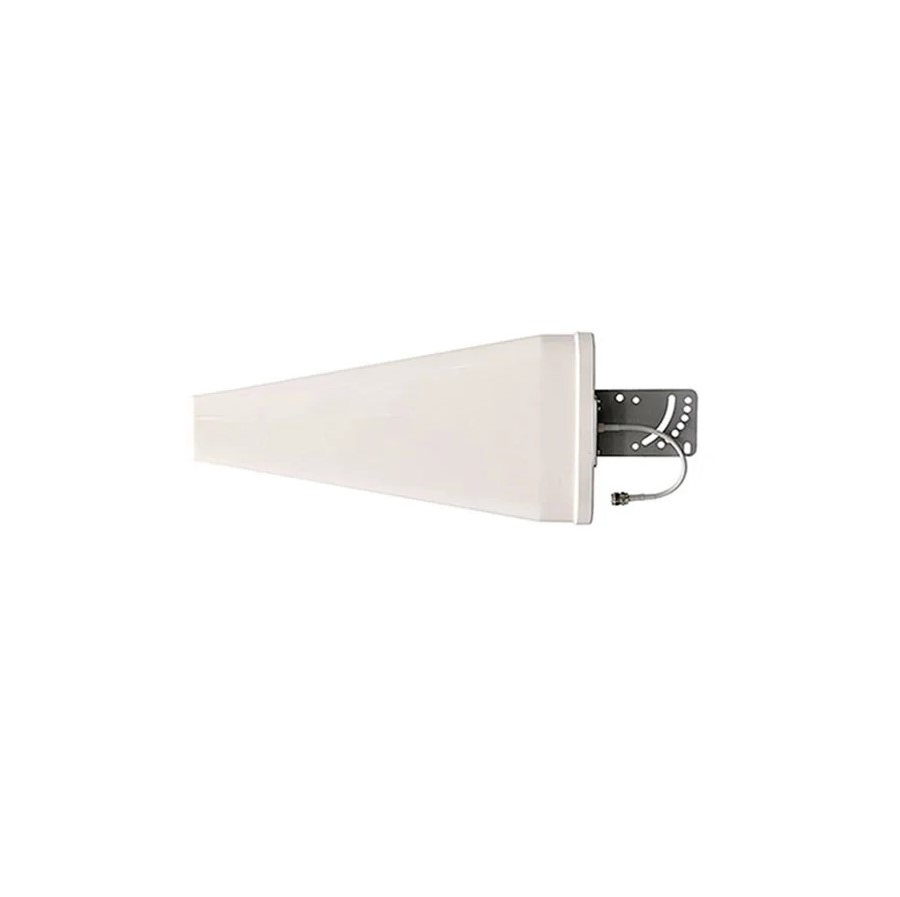
How to choose an external 4G/5G antenna for a modem or router
Connecting to the internet over the mobile network has become a dependable option for homes, businesses, holiday houses, remote locations and boats.
The right external 4G/5G antenna can improve how stable the connection is, how fast data moves in both directions, and how responsive the network feels. Choosing well means looking at the signal you actually have, your operator's frequencies, the distance and direction of the base station, what your router is capable of, and the right connector type.
1. Check the signal and the base station
Before choosing an antenna, find the spot on the building where the outdoor signal is strongest. Also check which base station is serving your connection and which frequency bands it uses.
You can ask your operator, or use CellMapper. CellMapper's information comes from user recordings and is indicative only — it is not an official operator map and may be incomplete or out of date.
2. Check what your 4G/5G router can do
In your modem or router's specifications, check:
- Which 4G LTE and 5G NR bands it supports.
- Whether it supports Carrier Aggregation (CA).
- Whether it supports 2×2 MIMO or 4×4 MIMO.
- How many external antenna sockets it has, and of what type.
- Whether those sockets are for 4G, 5G or both.
| Feature | What it means | What it needs |
|---|---|---|
| 2CA | Two carrier frequencies combined | An antenna covering the relevant bands |
| 3CA | Three carrier frequencies combined | Usually a wideband antenna |
| 4CA and above | More carriers combined | A compatible router, the right bands and a correct installation |
Important: The speed you end up with is not set by the number of carriers alone. It depends on bandwidth, signal quality, the router, the operator's network and how busy the cell is.
3. Directional or omnidirectional?
This comes down mainly to whether you know which way the base station lies, how far away it is, and what reception conditions are like.
A directional antenna
focuses reception in one direction and can offer higher gain and better rejection of unwanted signals.
It suits you when:- You know where the base station is.
- The signal is weak or comes from a long way off.
- There is interference from other directions.
An omnidirectional antenna
picks up signals horizontally from every direction and does not need aiming at a particular base station.
It suits you when:- You are in a built-up area with many base stations.
- You do not know exactly which way the signal is coming from.
- The application is mobile or marine.
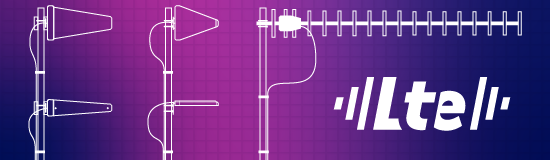
Case 1: a distant base station
If the base station supports several bands — LTE 800 (band 20), LTE 1800 (band 3) and LTE 2100 (band 1), for instance — and your router does carrier aggregation, a wideband antenna covering the frequencies you need is the sensible choice.
For difficult installations out of town, or base stations a long way off, the directional ARROW AR-7010 4G/5Gis worth considering. The final choice should rest on real measurements, not on distance alone.

ARROW AR-7010

ARROW AR-7040
Case 2: in town, or at sea
In large urban centres, where base stations lie in different directions or their exact positions are unknown, a wideband omnidirectional antenna can be the practical answer.
For use in a town, a motorhome or a boat, consider a MIMO solution or a marine fibreglass antenna such as the SeaCell SC-556, SeaCell SC-550 or SeaCell SC-342.
4. Watch the connector type
Fixed 4G/5G routers often use SMA femalesockets, though that is not a hard rule. Portable modems and some routers also use TS9, CRC9 or TS5.
TS9, CRC9 and TS5 are different connectors and should not be treated as interchangeable. Before ordering an antenna or an adapter, check your device's manual and its exact model code.
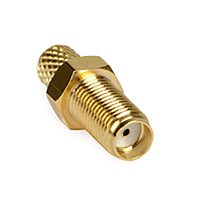

SMA female pigtail to 2 connectors

Low-loss cable
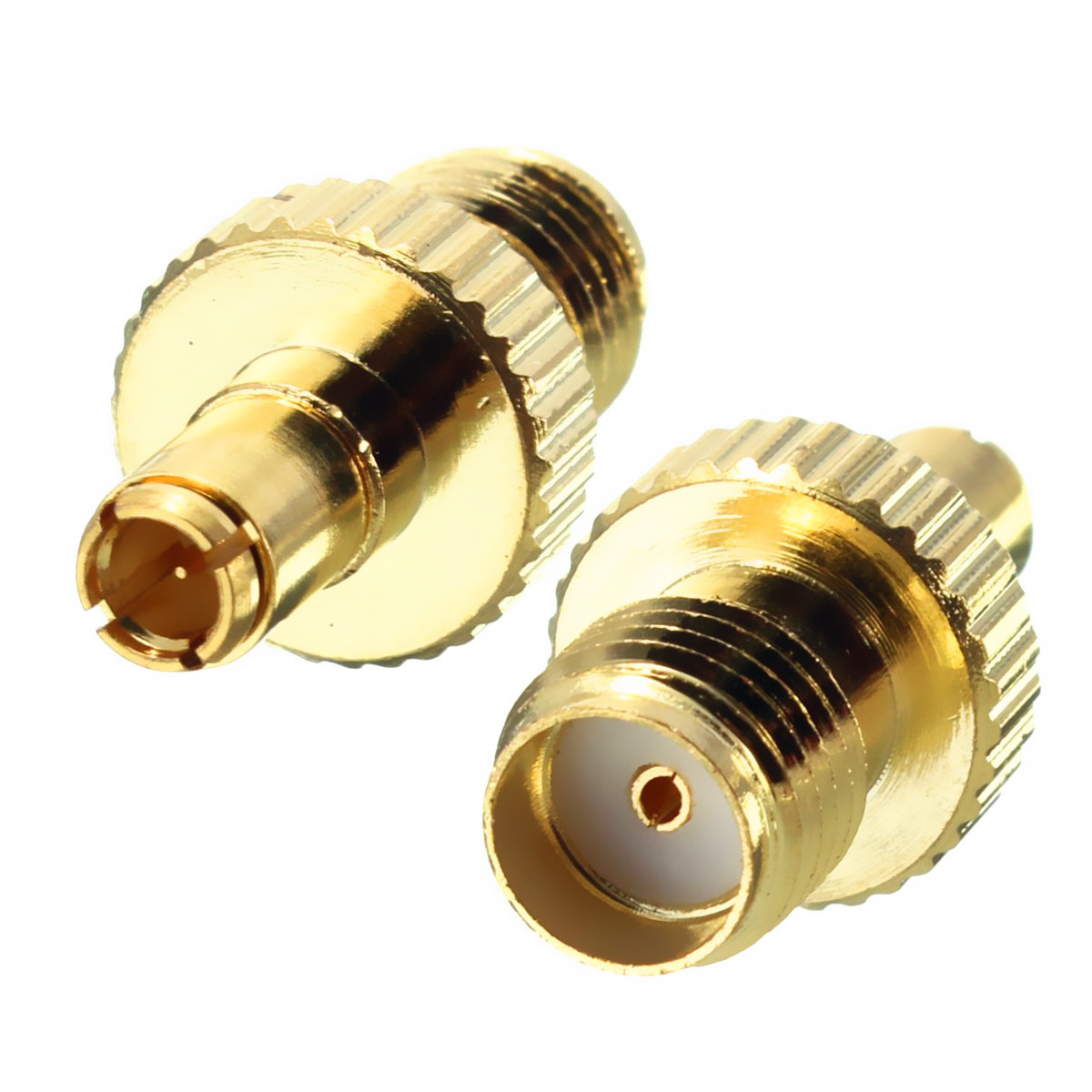
SMA female to TS9 male adapter
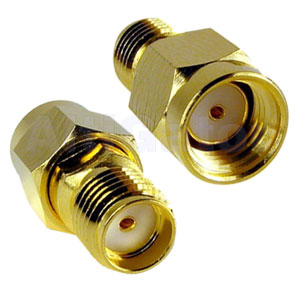
RP-SMA male to SMA female adapter
5. Go for MIMO, and for low-loss cable
For a modern 4G/5G connection a MIMO antenna system is usually preferable, provided the router supports it. 2×2 MIMO needs two suitable antenna elements, or one integrated MIMO antenna with two cables.
Keep the coaxial run as short as you can, and use low-loss cable. A long length of the wrong cable can cancel out a good part of the antenna's gain, especially at the higher frequencies.
Need help choosing?
Send us your router model, your operator, where it will be installed, a signal reading and photographs of the antenna sockets.
Contact form Viber 2310 944 433Comments
No posts found
GPS Tracking Solutions
- All GPS Tracking Solutions
- GPS Tracking for Boats & Jet Ski
- GPS Tracking for Construction Machinery
- GPS Tracking for Corporate Fleets
- GPS Tracking for Agricultural Machinery
- GPS Tracking for Rental Vehicles
- GPS Tracking for Transport & Logistics
- GPS Tracking for Refrigerated Trucks & Cold Chain
- GPS Tracking for Commercial Vans & Deliveries
Information
- Authorised Dealer of TELTONIKA Telematics
- Authorised Dealer of MOTOROLA Solutions
- Authorised Dealer of STELLADORADUS
- Authorised Dealer of KIRISUN
- Store address
- Manufacturers
- Contact us
- About the company
- Blog

Useful
© 2001-2026 GPScom Technologies · Commercial Reg. (GEMI) No. 180170606000