


English EN
2310 944 433 Mon–Fri 09:00–16:00, Sat 10:00–15:00 Request call
Loading catalog…

Your wishlist is empty

Your comparison list is empty

Your cart is empty

FM5300 Professional GPS tracker with RS232/RJ11

Teltonika FM5300 advanced telematics device with GLONASS/GPS/GALILEO/GSM

Product features

  • Platform: FMB platform
  • Connectivity: 2G bands
  • GPS tracker specifications: Digital Input - DIN, Analog Input - AIN, Analog inputs / Digital inputs, Digital Output - DOUT, 1-wire, RS-232
  • Can bus: External CAN adapter support, FMS J1939, K-Line (Tachograph)
  • Battery capacity: 550 mAh Ni-MH 3.7V
  • Antennas: External GNSS, External GSM
  • Supported accessories: Alarm button, 1-Wire RFID/iButton, 1-Wire temperature sensor, RS-232 RFID
  • Vehicle protection: Immobilizer, GSM Jamming detection, Towing detection, Unplug detection, Auto Geofence, Manual Geofence
  • Select GPS tracker use: For trucks, For tankers
  • GPS tracker properties: GPS/LBS positioning technology
  • Manufacturer: TELTONIKA TELEMATICS

Technical specifications

Battery capacity 550 mAh Ni-MH 3.7 V
FM53XMV8XG01
In stock
€119.00
+ −
  • Fast dispatch
  • Secure payment
GPScom Technologies - Official Teltonika Telematics Partner
FM5300 Professional • Fleet Management • GPS / GLONASS / GALILEO

Teltonika FM5300 — professional telematics for fleet management

Advanced telematics device for real-time tracking of trucks and commercial vehicles from a computer, phone or tablet. Supports GPS/GLONASS/GALILEO, I/O, geofences, driver behaviour, external sensors and iButton driver identification.

App Store GPScom Server for Android
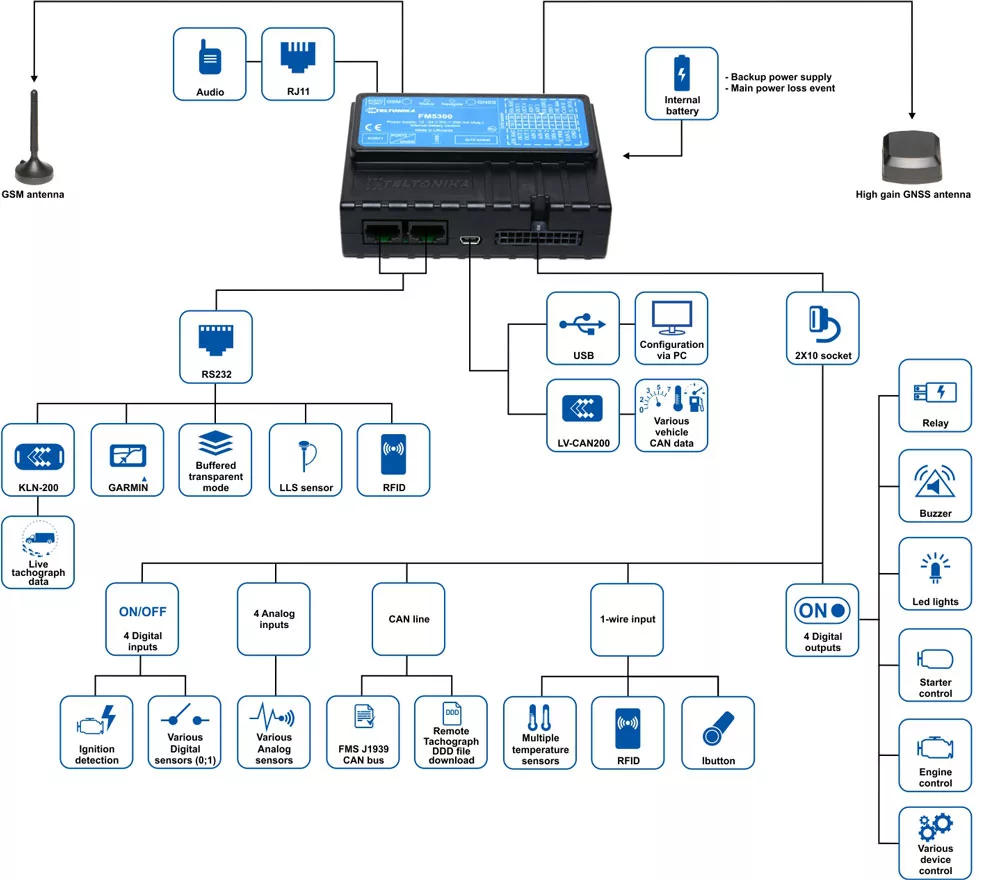
Teltonika FM5300 diagram
Fleet ManagementGPS / GLONASS / GALILEOBackup Battery 550mAhGeofenceGreen DrivingExternal SensorsFOTA via GPRSiButton Driver ID

Professional fleet control

You know where every vehicle went, where it stopped and for how long, and the whole route from the start to the end of the shift.

Driver behaviour & green driving

Scoring of acceleration, braking and cornering, aimed at better usage control and reduced vehicle wear.

Key features

The main features of the FM5300 for professional telematics and fleet management.

GPSLive Tracking

Real-time vehicle tracking through the platform.

IOI/O & external sensors

GPS and I/O data acquisition with the ability to connect external sensors.

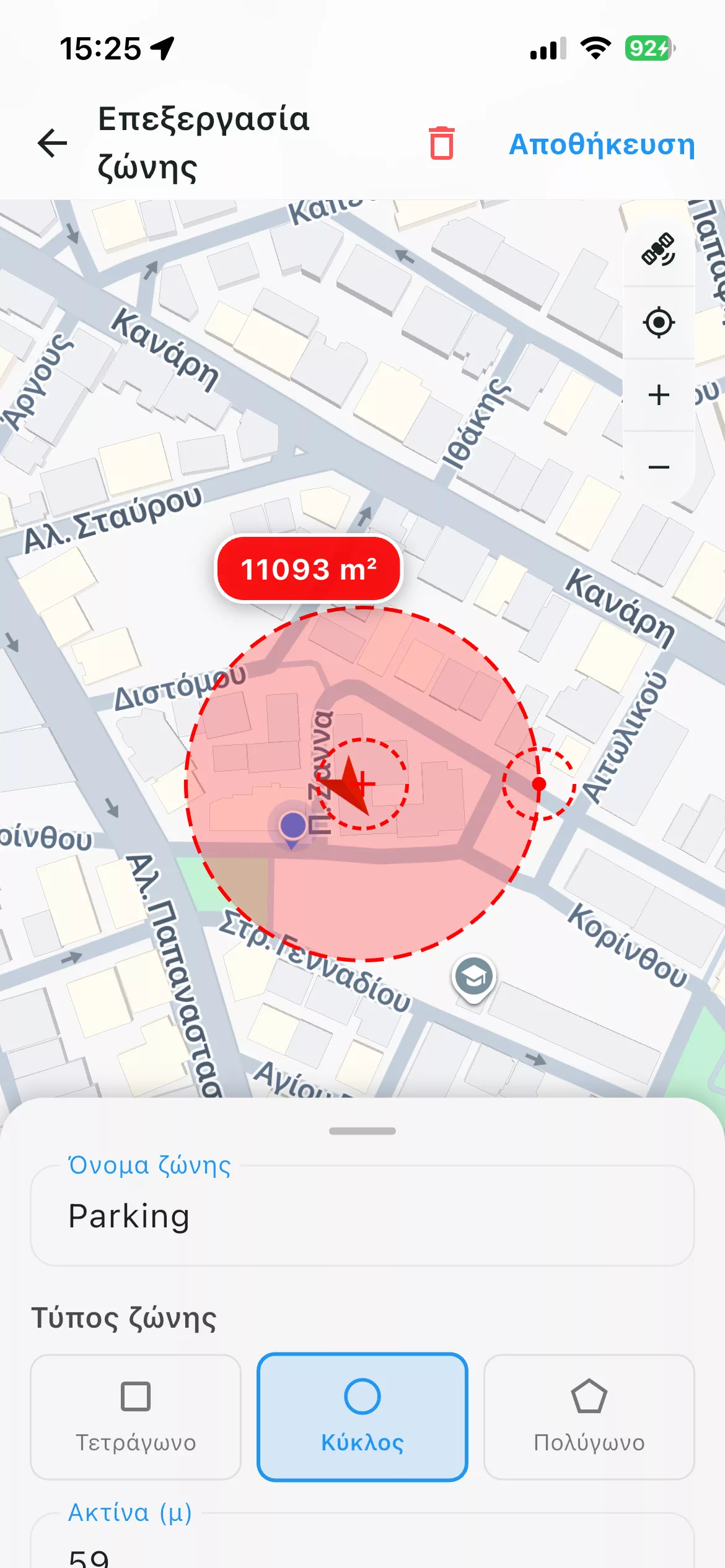
GEOGeofences

Define up to 5 geofence zones, rectangular or circular.

DRVGreen Driving

Monitoring of acceleration, deceleration and cornering.

IDiButton Driver ID

Authorised-driver identification with a 1-Wire iButton ID key.

BATBackup Battery 550mAh

Built-in backup battery to keep working during a power cut.

What you can monitor

  • Real-time vehicle position
  • History of routes and stops
  • Stop time per location
  • Speed and overspeeding
  • Geofence entry / exit
  • Motion and sensor events
  • Driver behaviour
  • Acceleration, braking and cornering
  • Status of external inputs / sensors
  • iButton driver ID
  • Events via GPRS or SMS
  • Roaming operation
  • Scheduled sending of coordinates via SMS
  • Sleep mode for power saving
  • FOTA firmware updates over GPRS

GPScom Server — Web & Mobile platform

A complete picture of the fleet: live tracking, route history, geofences, events and reports.

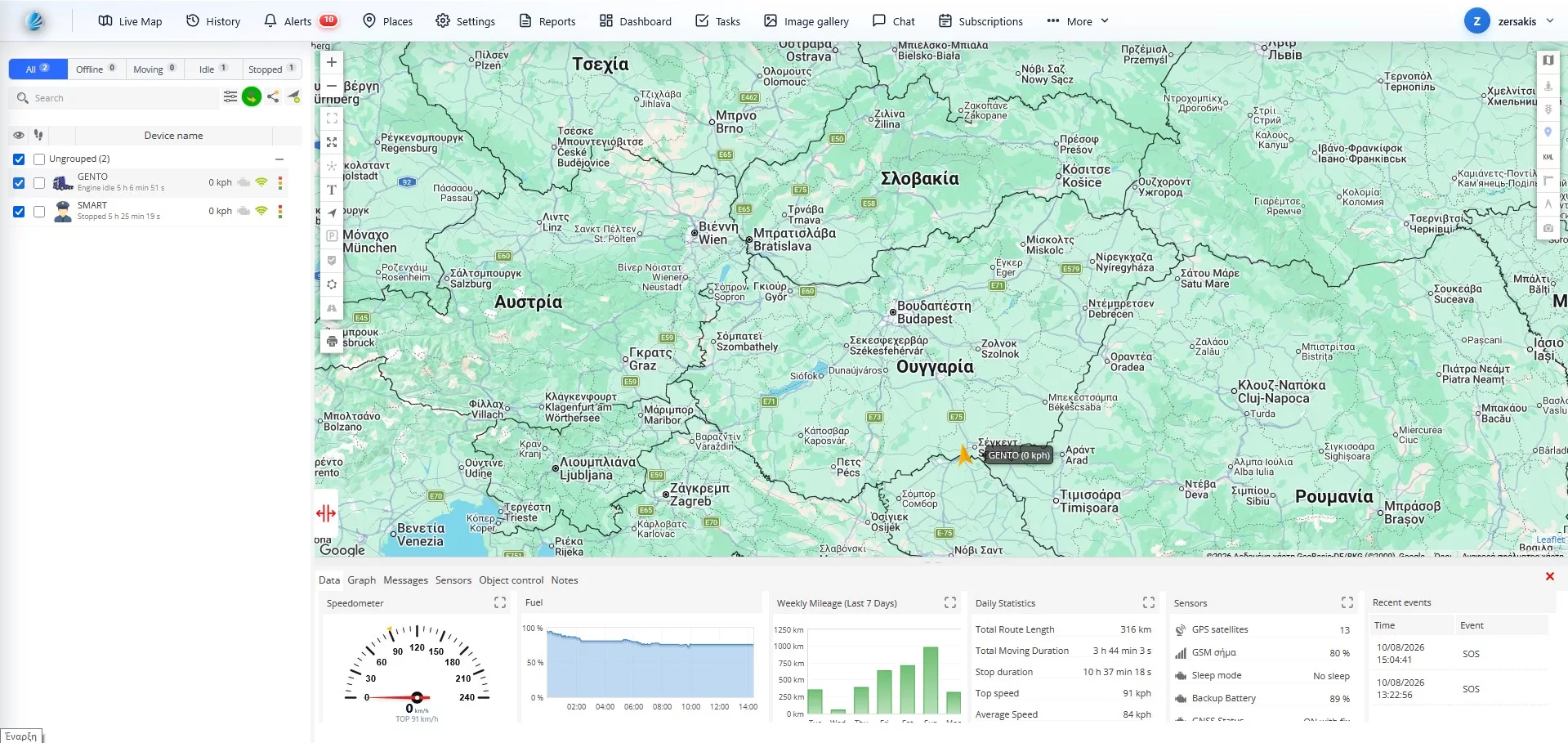
GPScom Server — Live Tracking
Live fleet monitoring

See the position and status of every vehicle in real time.

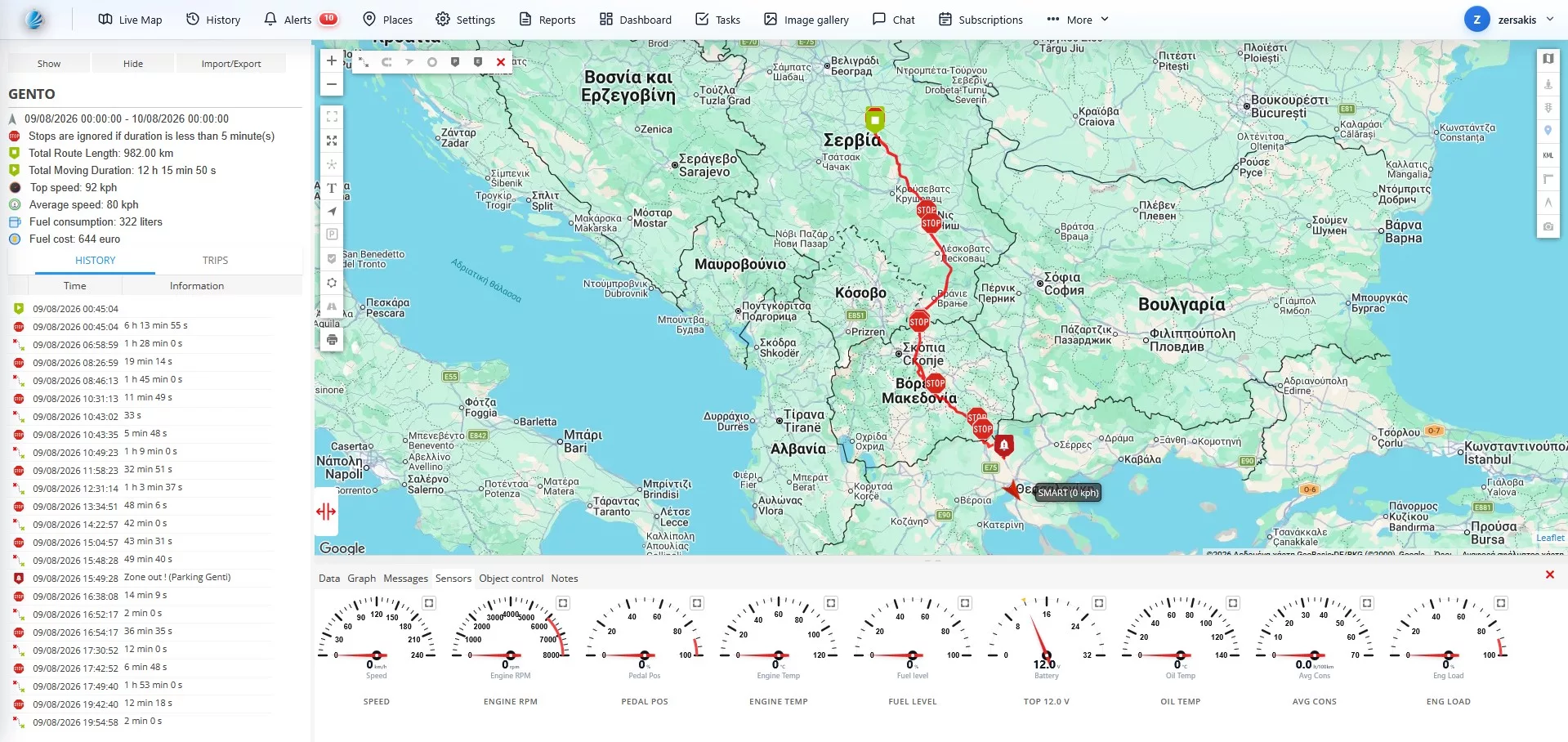
GPScom Server — Fleet Management
Full picture and management

Access to history, events and reports from any computer.

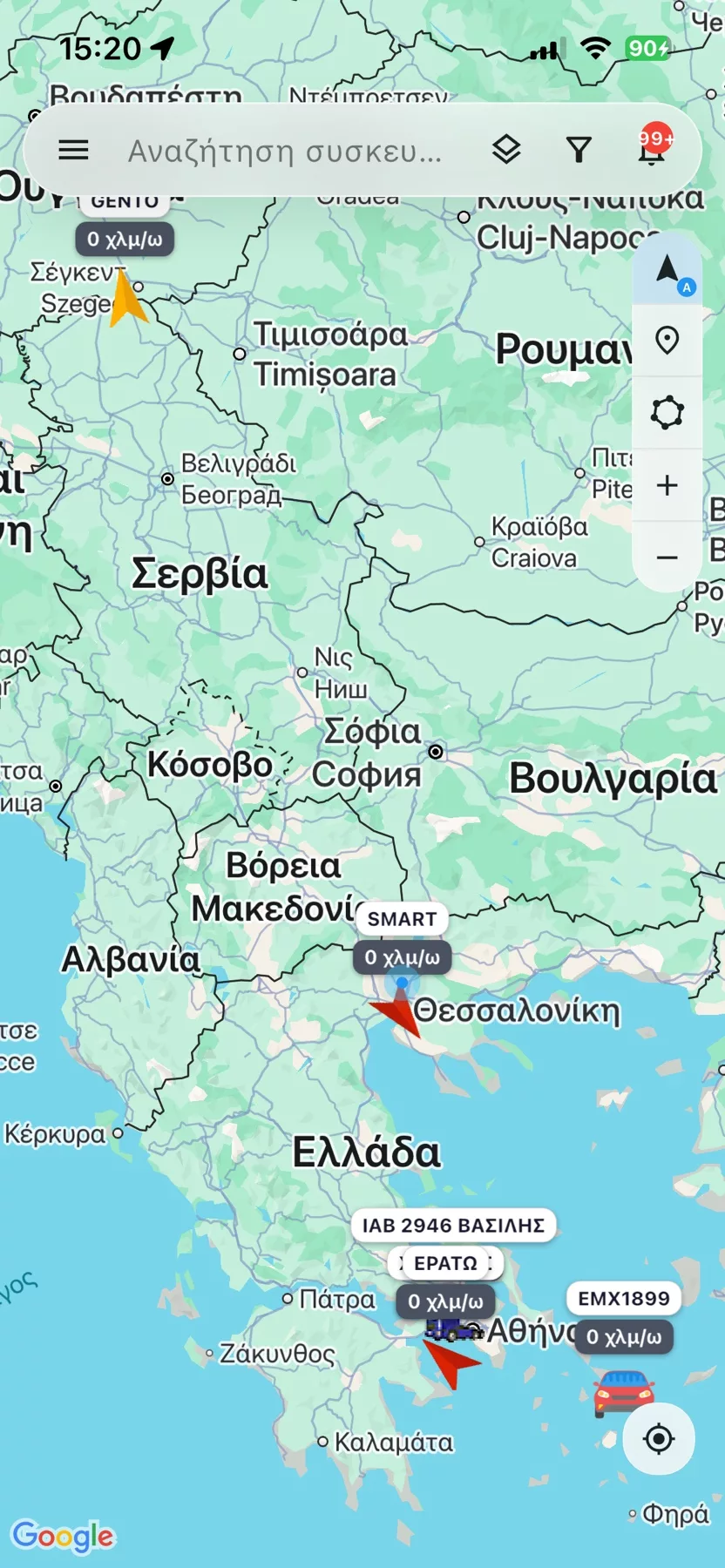
GPSCOM SERVER MOBILE APP

Full fleet control on your phone

See the position live, monitor the vehicle's status, review history and manage alerts and functions through a modern app.

Download on the App Store
See the app's main functions in detail
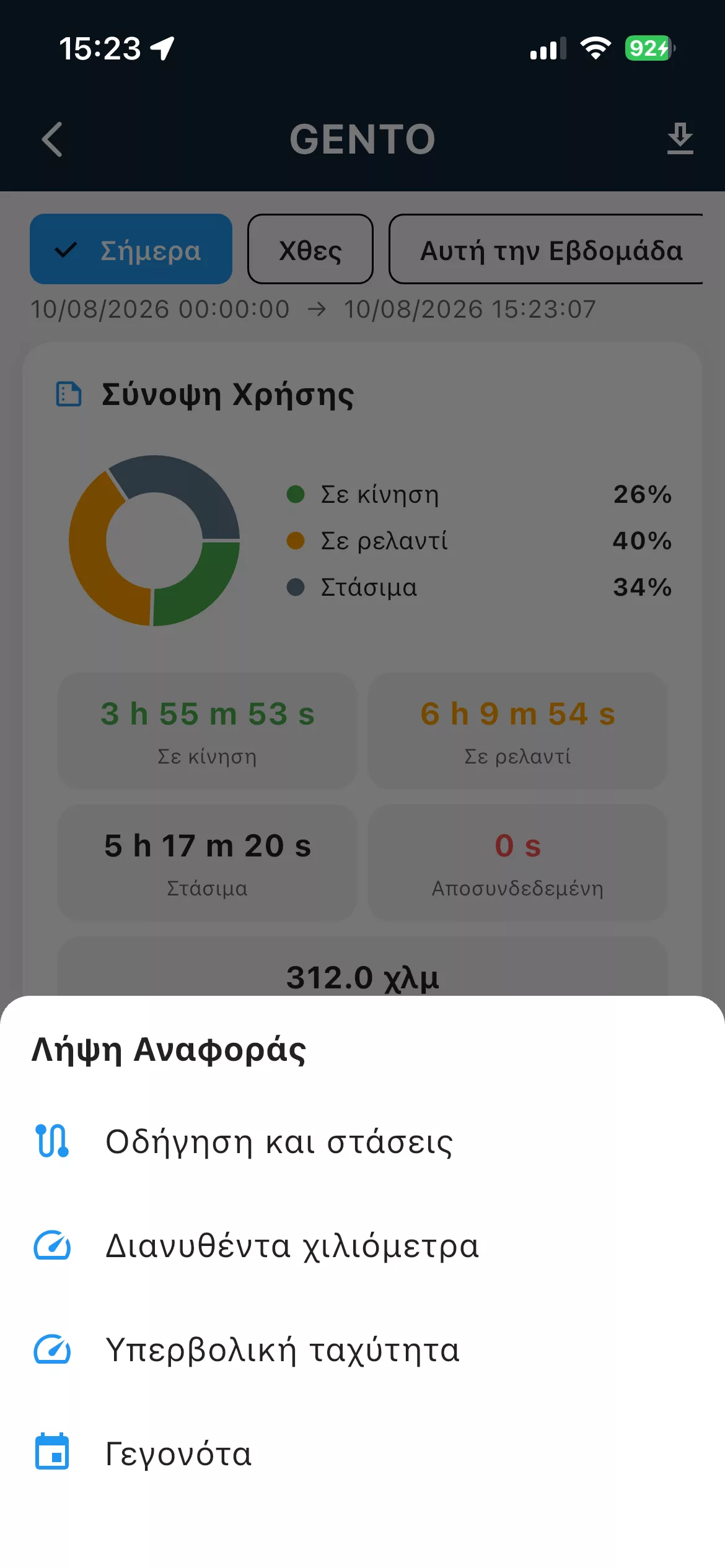
1GPScom Server - GPScom Server App
GPScom Server App

Fast, secure access to your account.

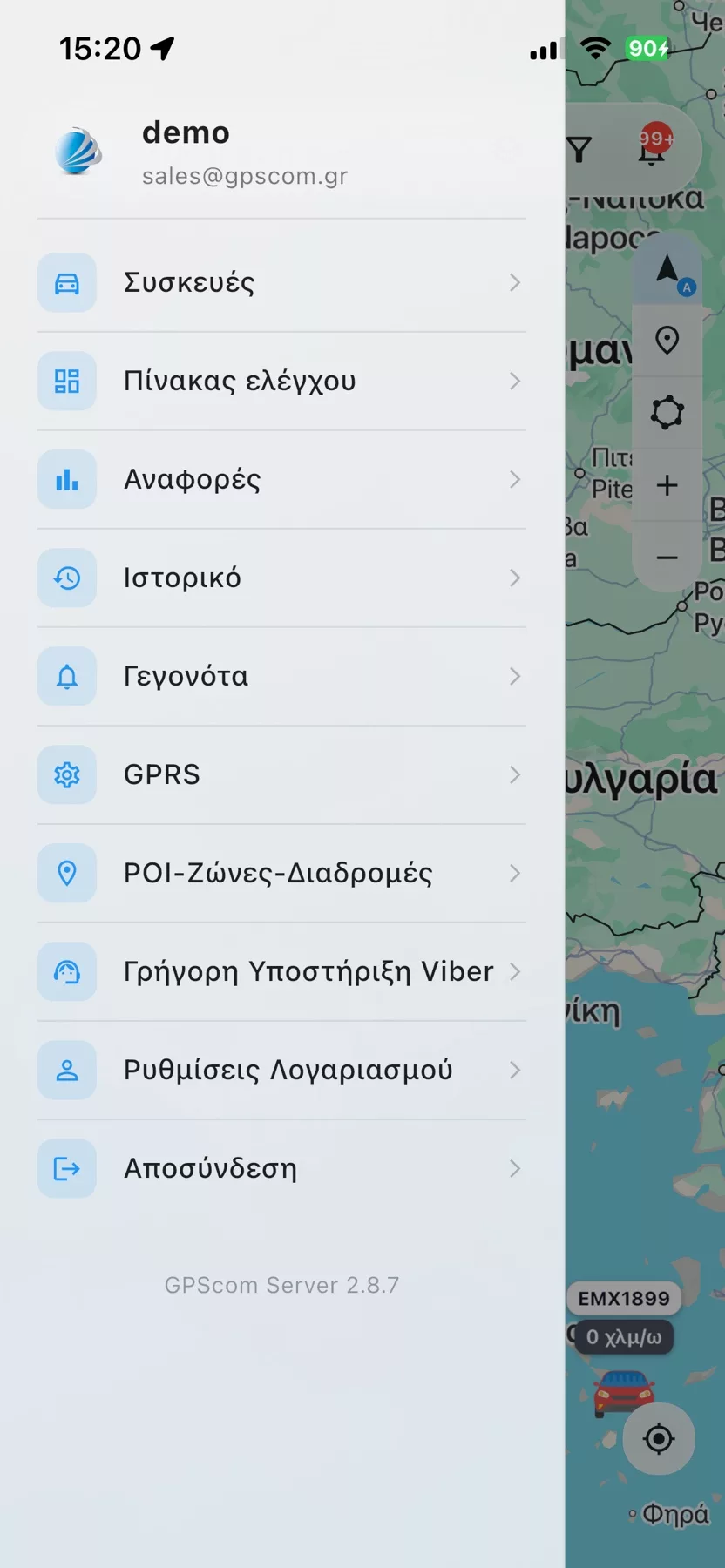
2GPScom Server - Main menu
Main menu

All the platform's core functions in one organised menu.

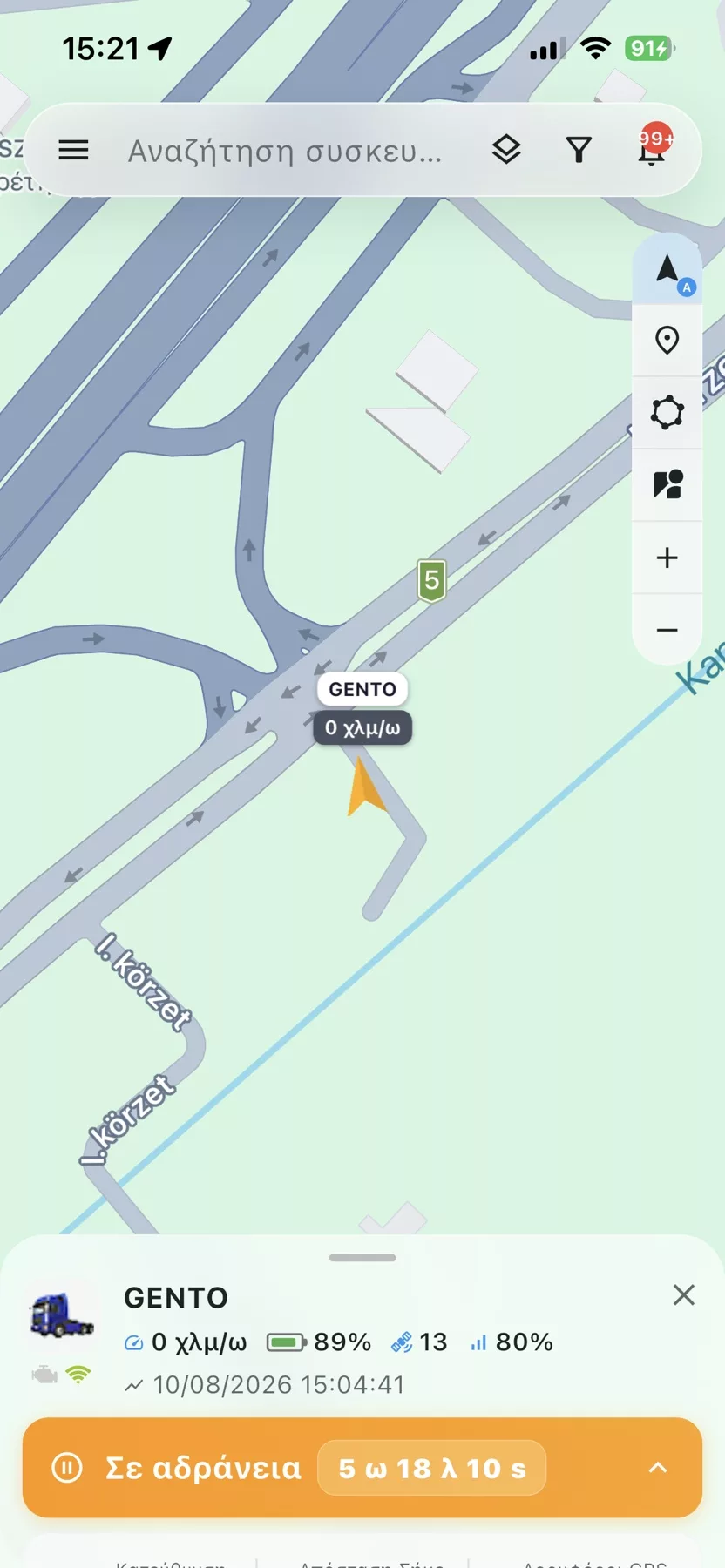
3GPScom Server - Live tracking
Live tracking

Live position and key vehicle information on one screen.

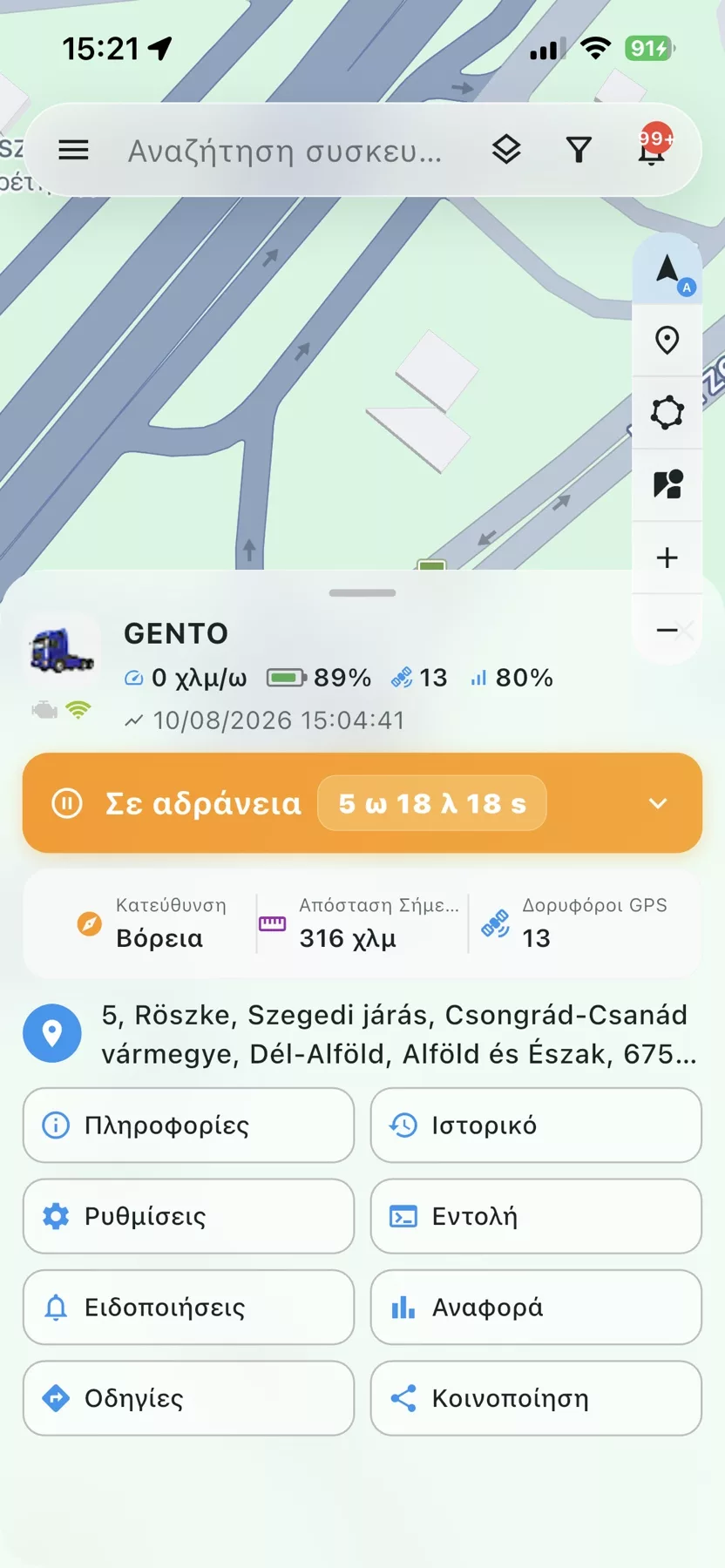
4GPScom Server - Full vehicle picture
Full vehicle picture

Status, address and available device information.

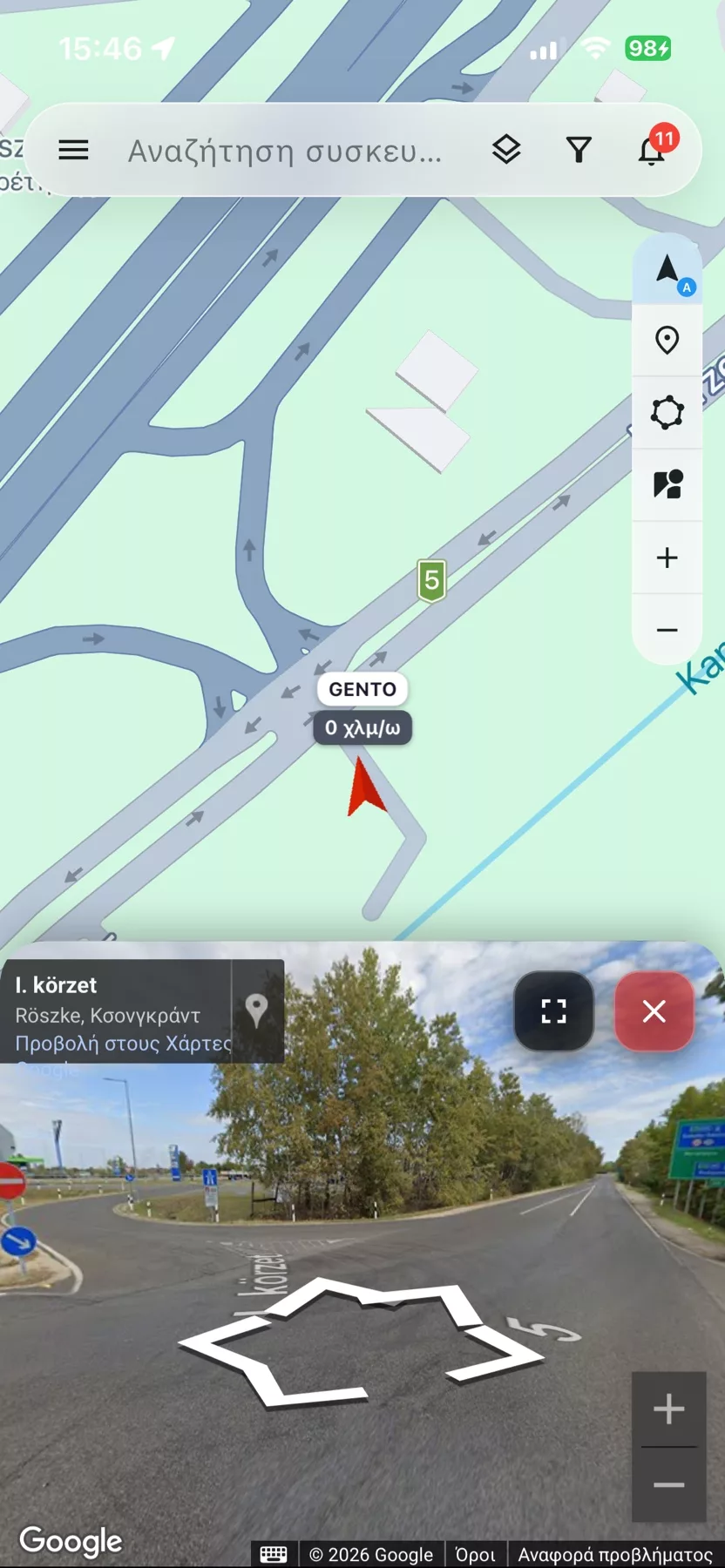
5GPScom Server - Street View & map
Street View & map

See the vehicle on the map and the actual spot via Street View.

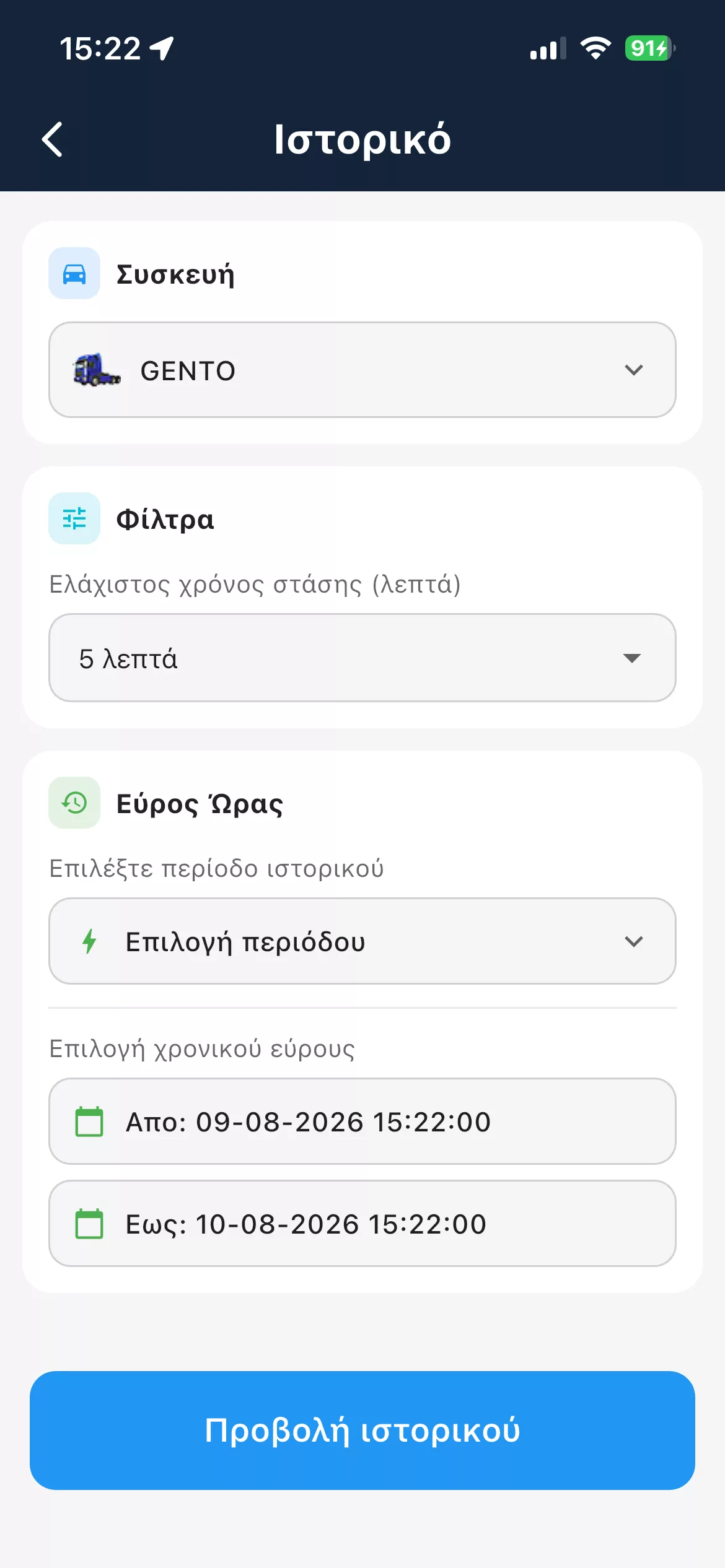
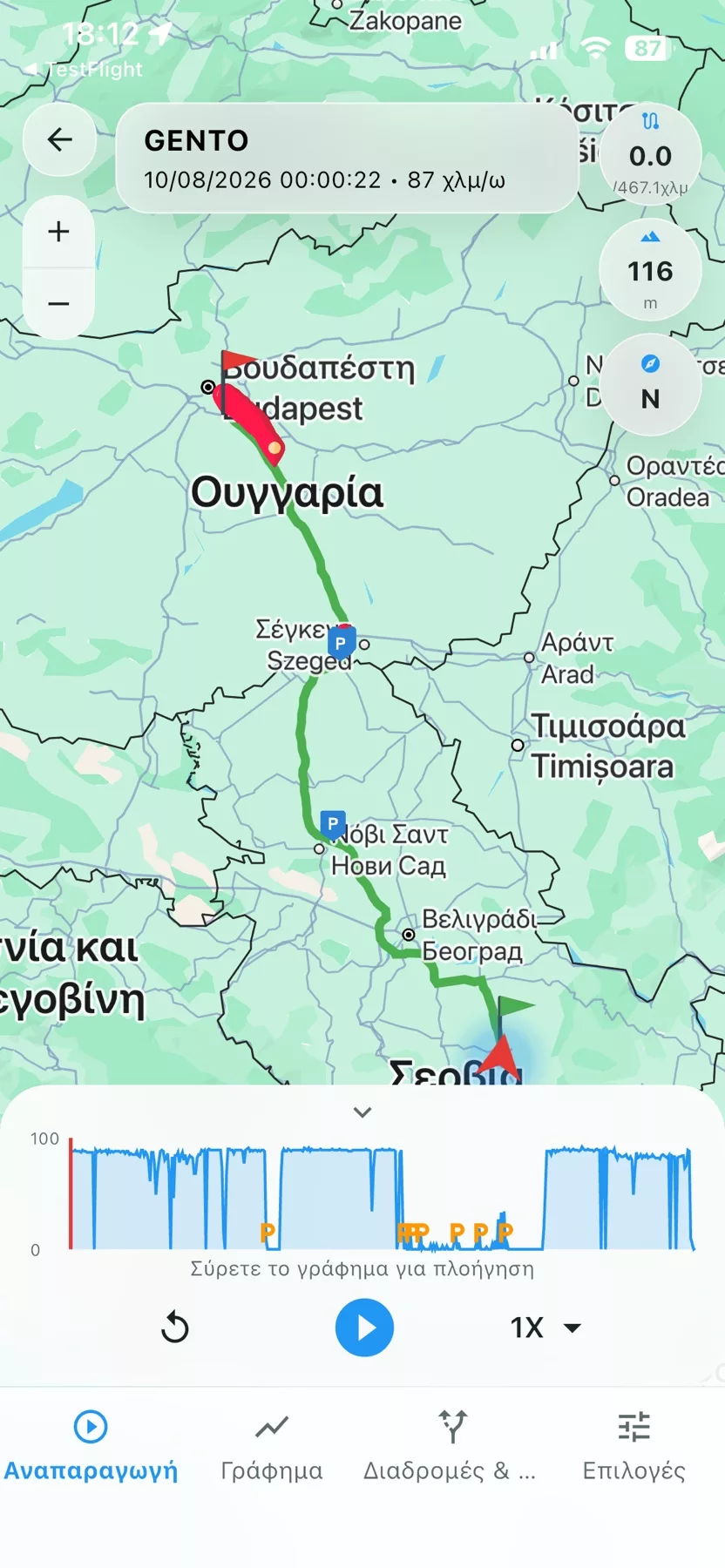
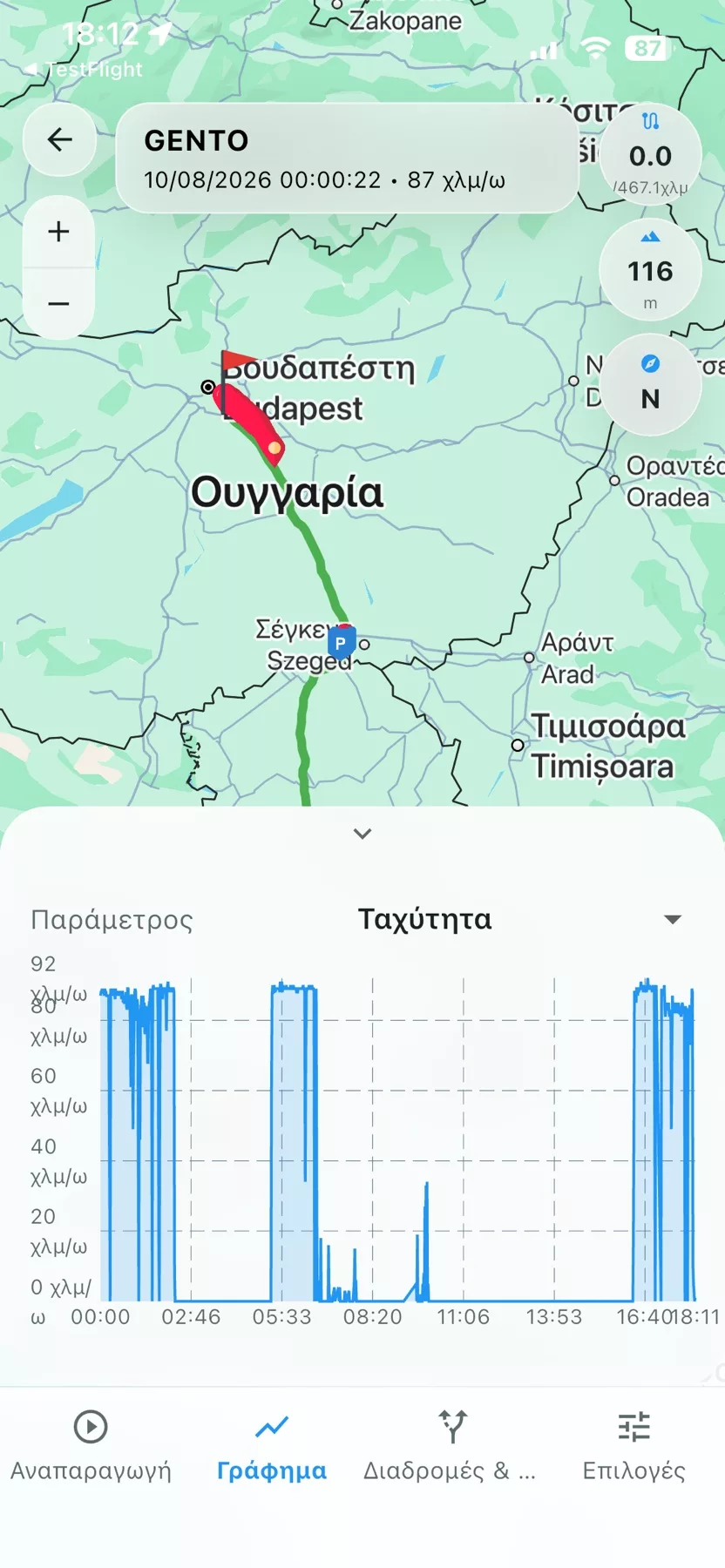
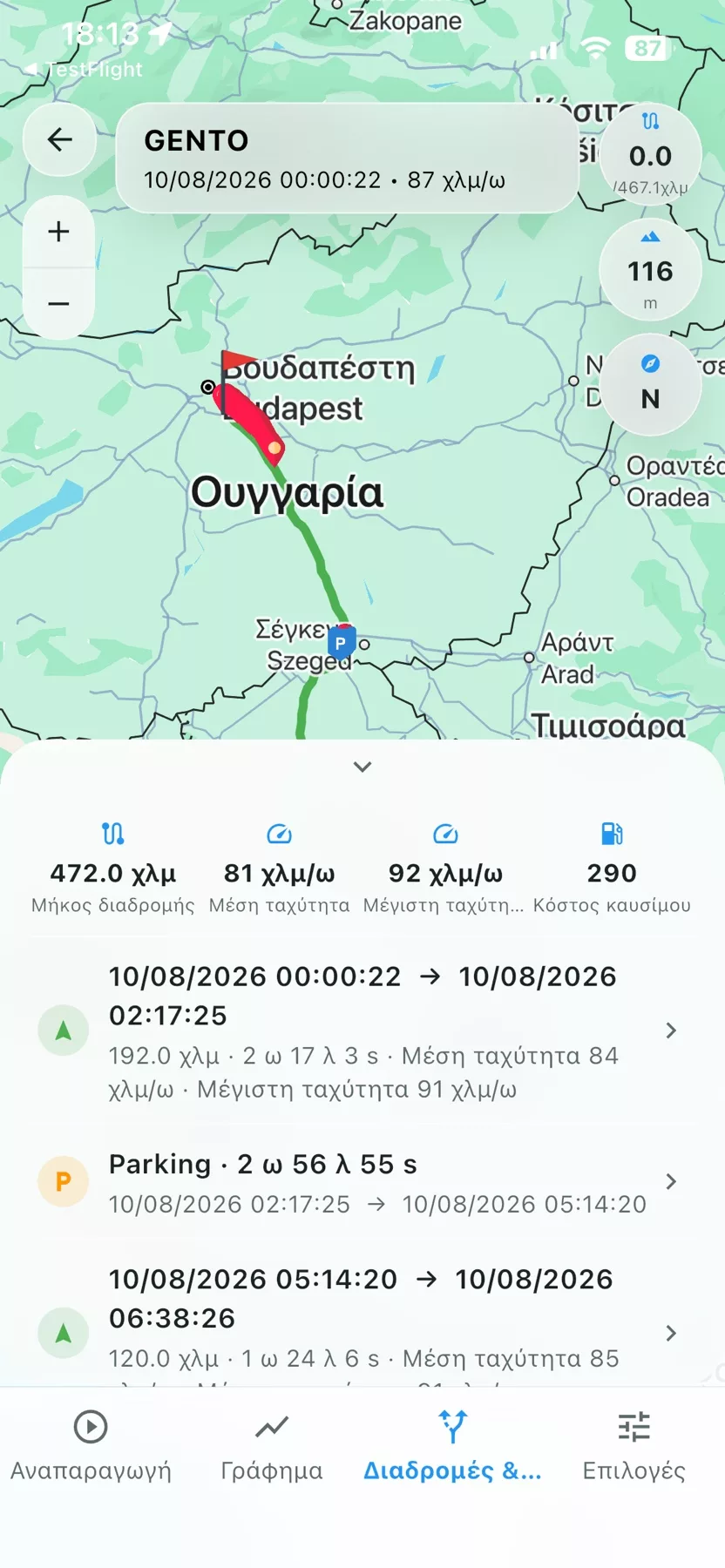
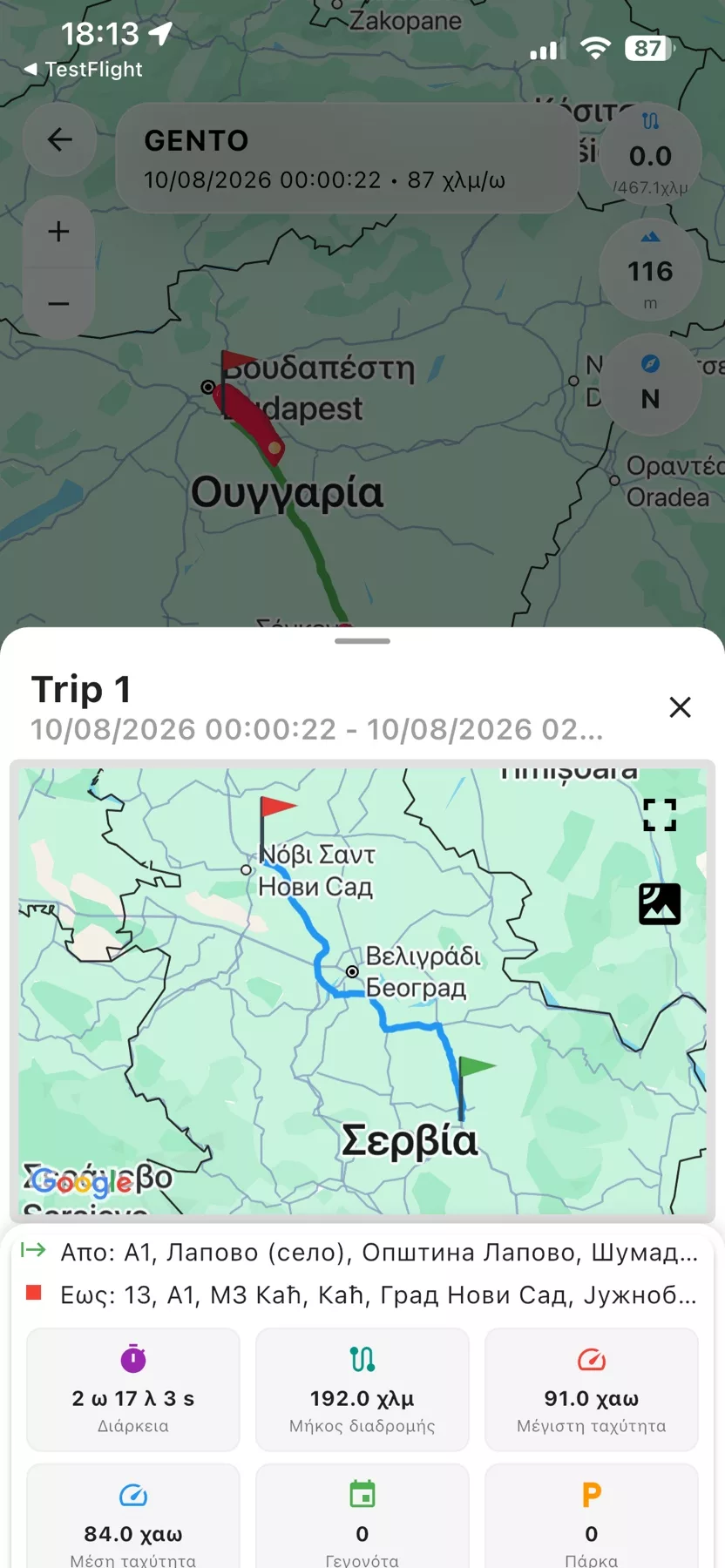
6GPScom Server - Route history
Route history

Review the vehicle's previous routes, stops and movements.

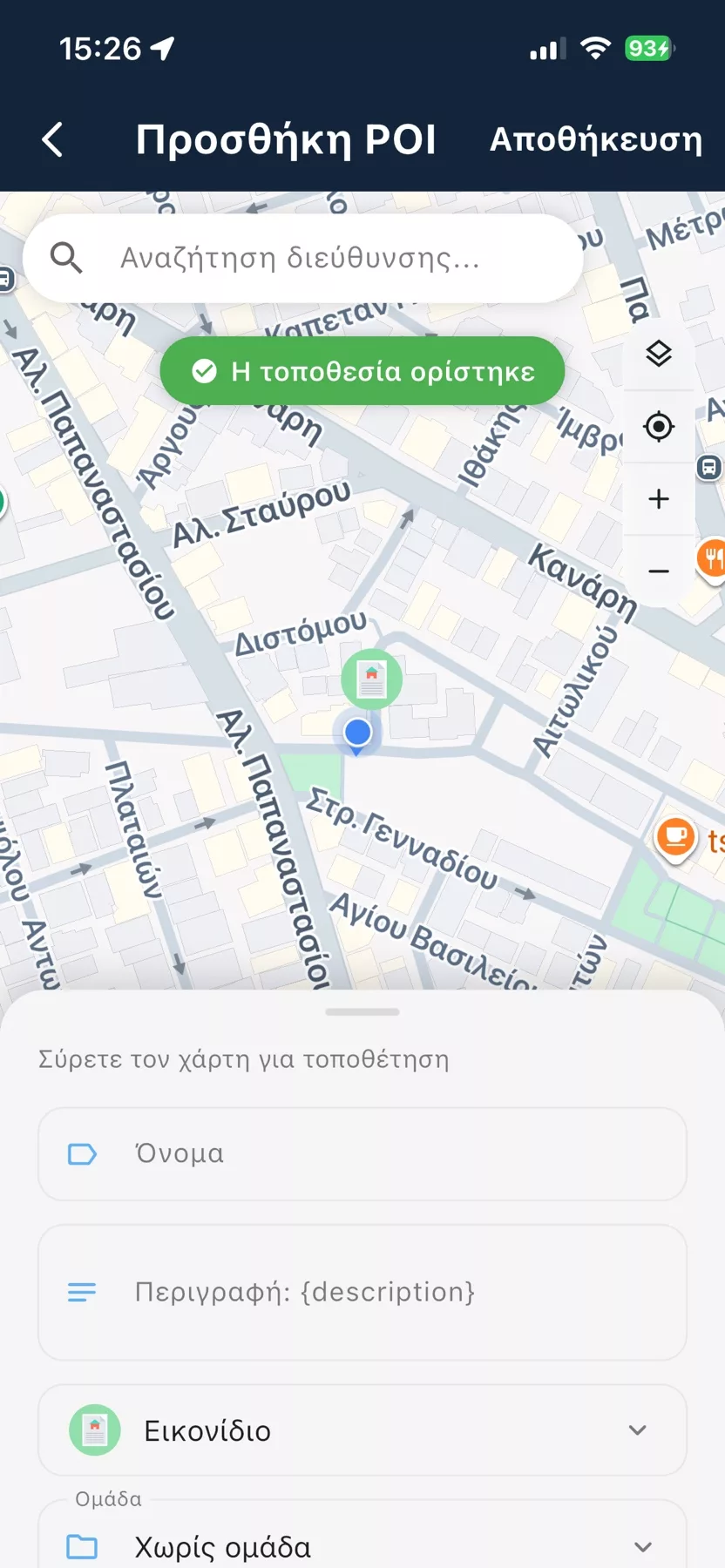
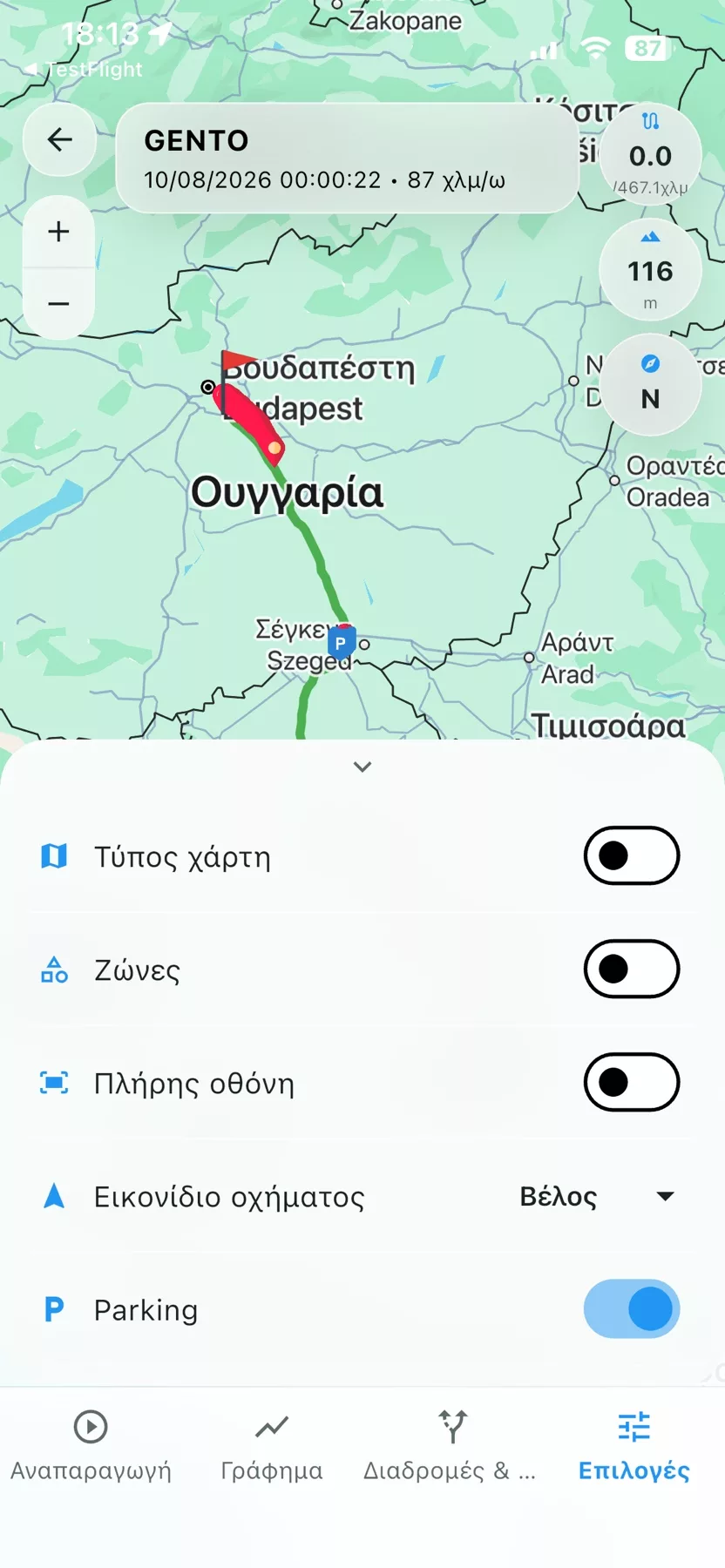
7GPScom Server - Settings & functions
Settings & functions

Adjust the available functions and tracking options.

8GPScom Server - Vehicle details
Vehicle details

Consolidated information about the vehicle and its current status.

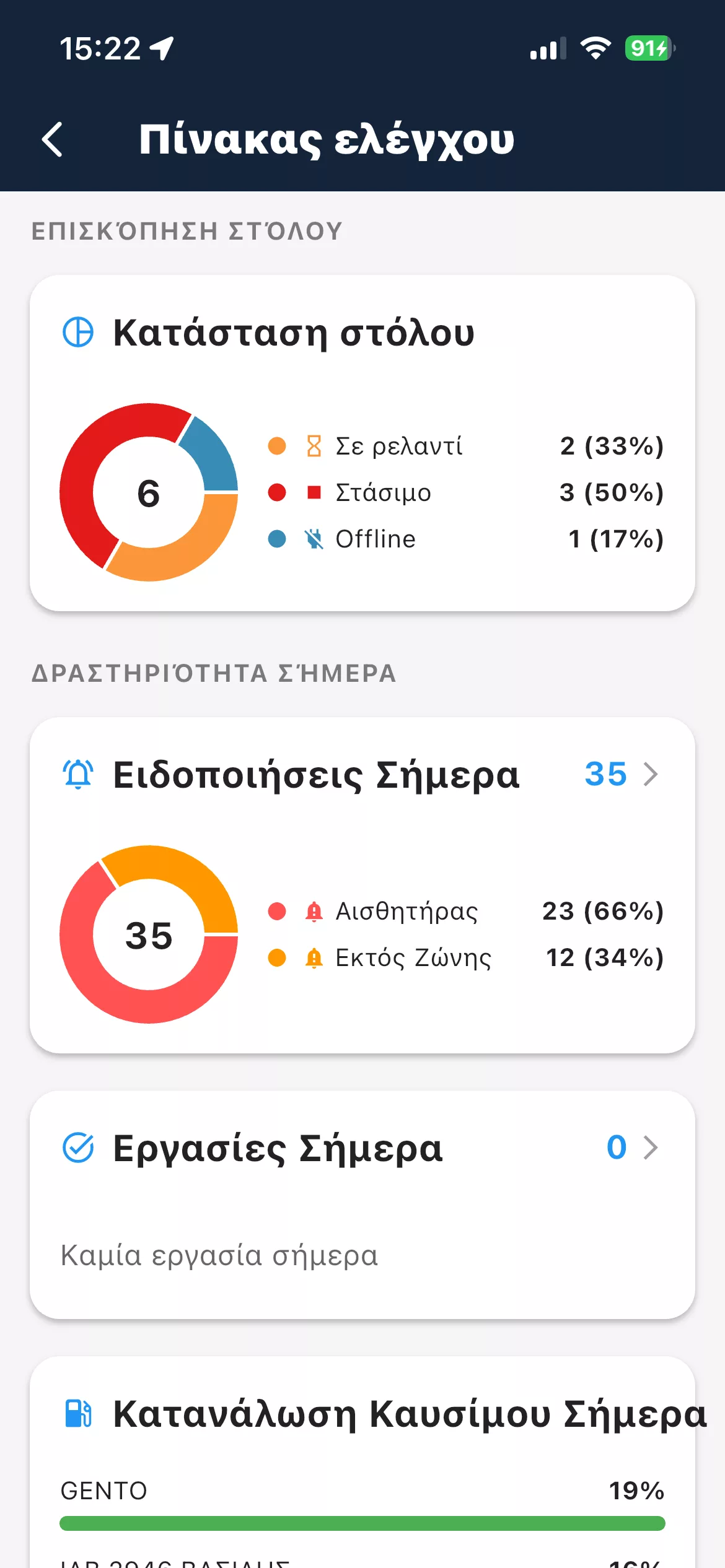
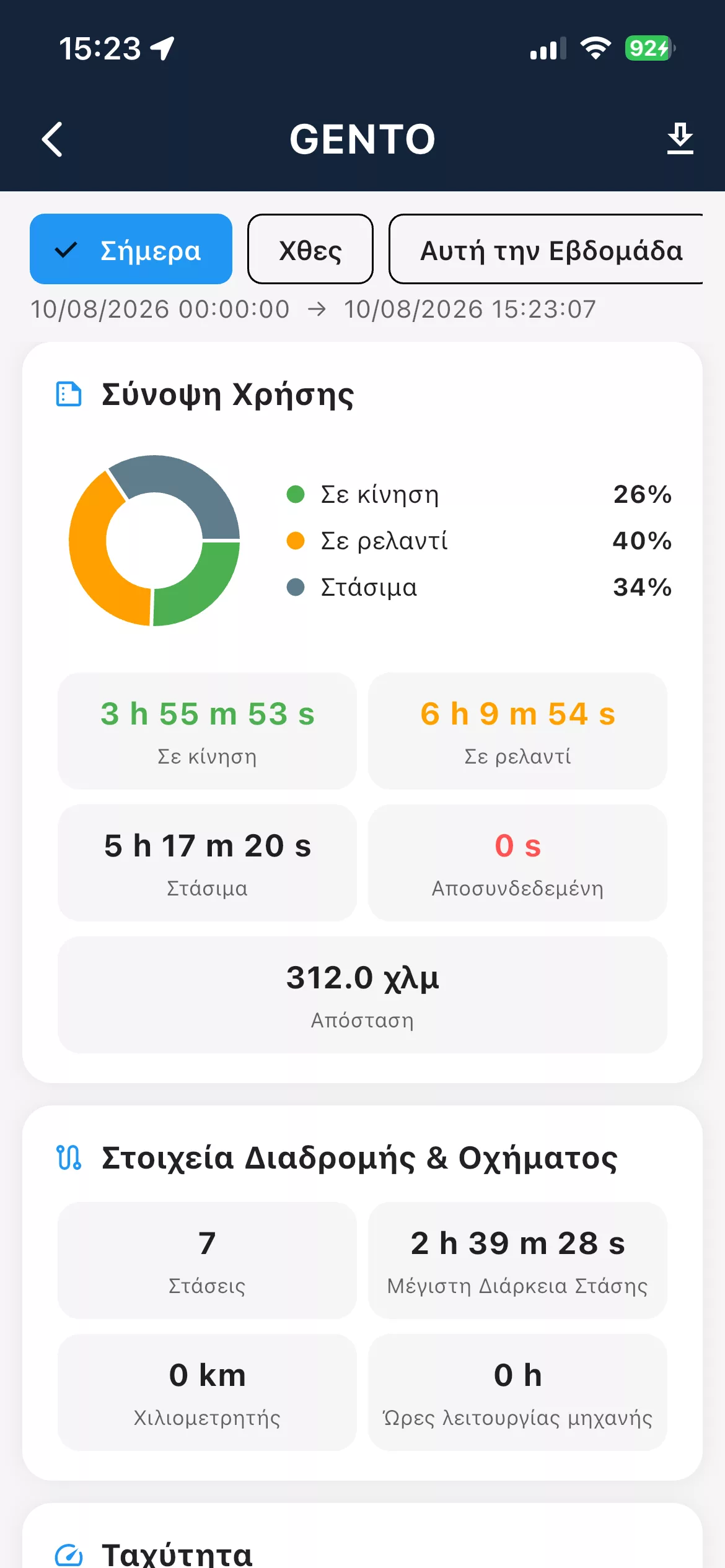
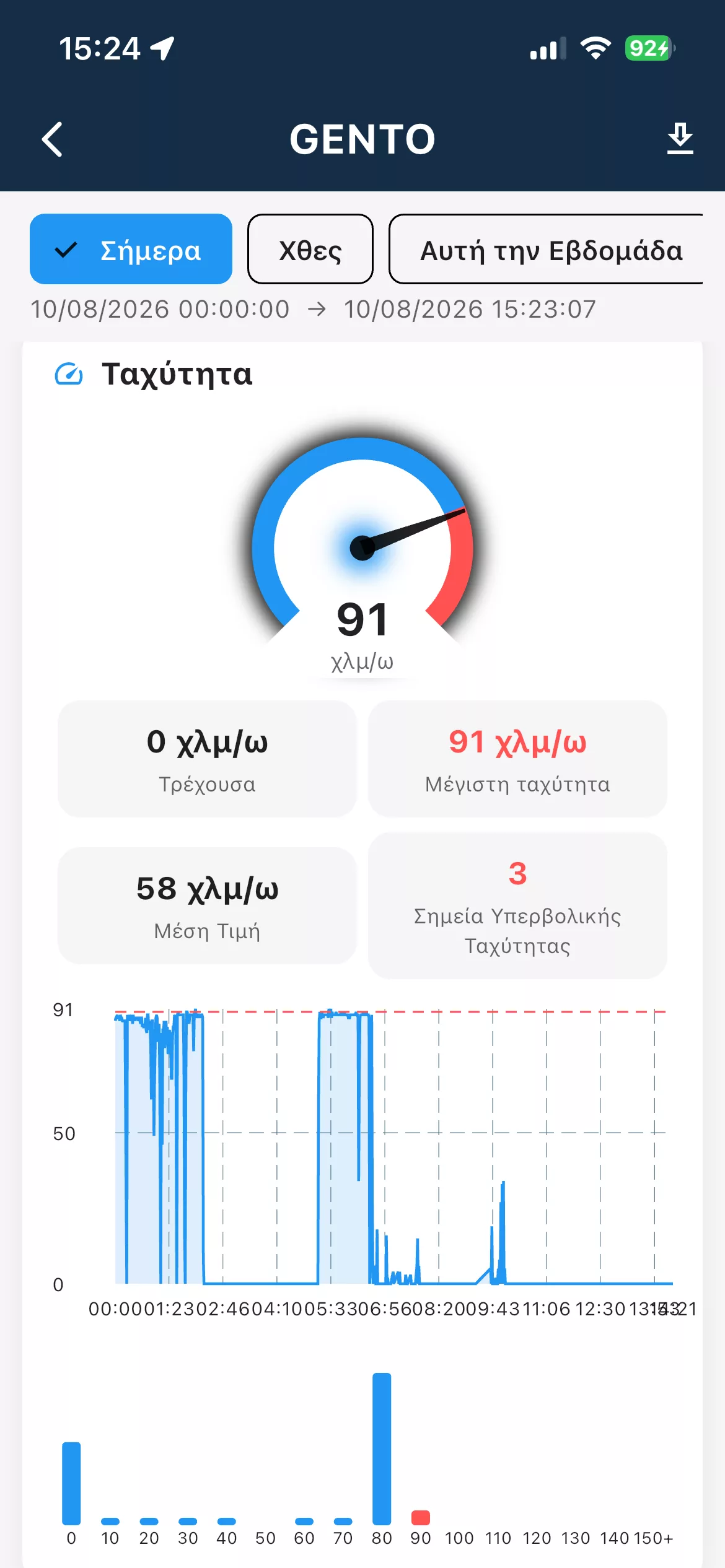
9GPScom Server - Reports & data
Reports & data

Useful reports and operating data for better fleet control.

10GPScom Server - Map & information
Map & information

Track the position with the most important information immediately available.

11GPScom Server - Events & alerts
Events & alerts

Stay informed about important device events and alerts.

12GPScom Server - Smart functions
Smart functions

Access to extra tools and tracking capabilities.

13GPScom Server - Control from your phone
Control from your phone

Manage important functions directly from your smartphone.

14GPScom Server - Instant updates
Instant updates

The essential information available quickly and clearly.

15GPScom Server - Advanced management
Advanced management

More options for complete device and fleet control.

16GPScom Server - Easy-to-use interface
Easy-to-use interface

Designed for fast everyday use by professionals.

17GPScom Server - GPScom Server everywhere
GPScom Server everywhere

You have control of your vehicle and fleet wherever you are.

✓ Instant activation

Receive it, scan it and get started!

You do the activation yourself from within the GPScom Server app.

1You receive the device

The FM5300 is delivered pre-configured for use with the GPScom Server service.

2You create an account

You download the GPScom Server app and create your account.

3You tap "Add device"

You follow the simple on-screen steps.

4Scan the sticker

Scan the device code and complete the activation.

★
Your free time starts at activation

The free service period starts from the moment you add and activate the device in your account.

GPScom Server • Subscription plans

Choose how long you want to subscribe for

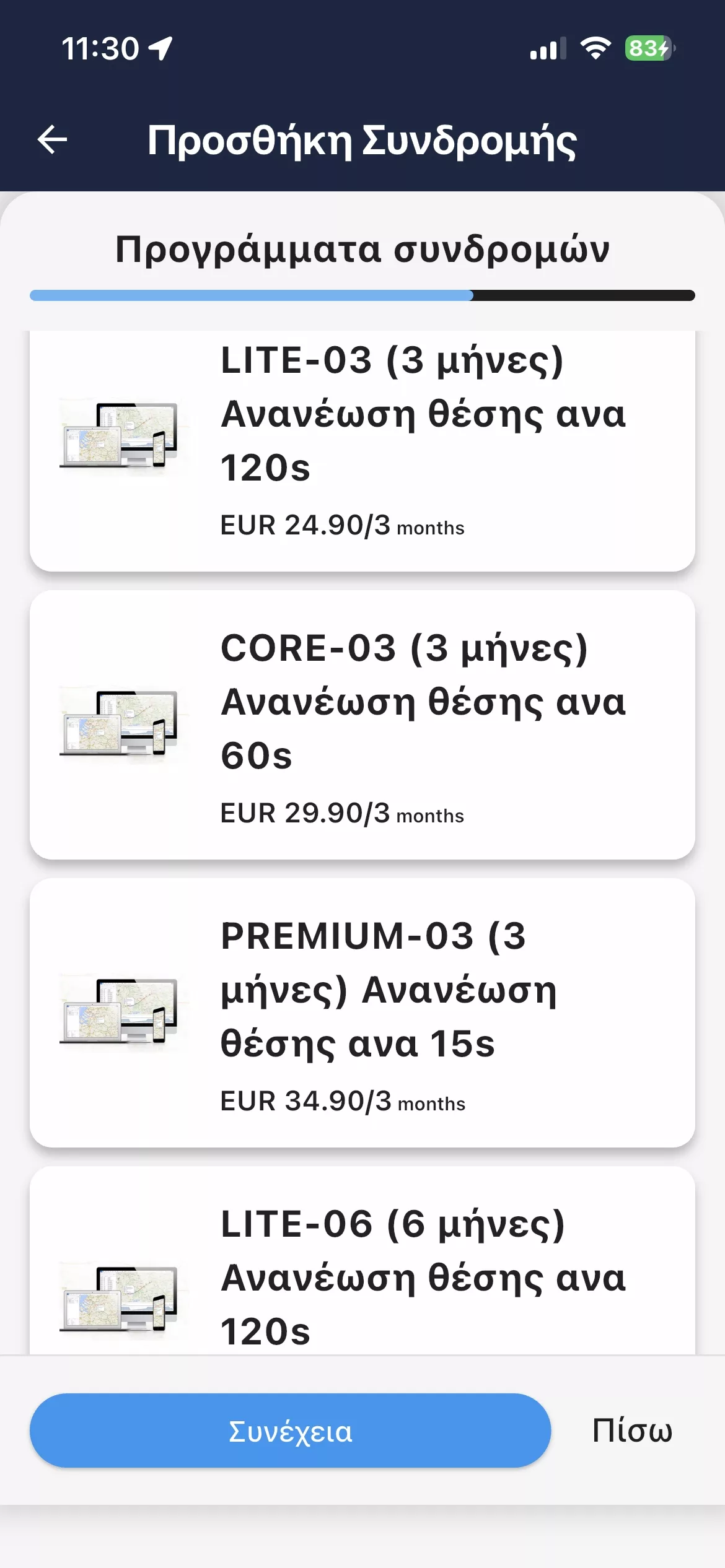
Everything you need in order to know where your vehicle is and which routes it has driven. All four plans give the same access to the platform; only the length and the cost per month change.

Prices are per vehicle, and the subscription is paid up front for the period you choose. The device and installation are charged separately.
3 MONTHSThe most flexible option
€8.30/month
€24.90 · Billed every 3 months
No long commitment
  • Live vehicle tracking, 24/7
  • Route and stop history for up to 12 months
  • Route playback on the map
  • Geofences and points of interest
  • App, email and Telegram alerts
  • Access from the app and from a computer
Get started
6 MONTHSA balance of cost and flexibility
€6.65/month
€39.90 · Billed every 6 months
Save 20% per month against the 3-month plan
  • Live vehicle tracking, 24/7
  • Route and stop history for up to 12 months
  • Route playback on the map
  • Geofences and points of interest
  • App, email and Telegram alerts
  • Access from the app and from a computer
Get started
★ MOST POPULAR
12 MONTHSThe most popular choice
€5.82/month
€69.90 · Billed every 12 months
Save 30% per month against the 3-month plan
  • Live vehicle tracking, 24/7
  • Route and stop history for up to 12 months
  • Route playback on the map
  • Geofences and points of interest
  • App, email and Telegram alerts
  • Access from the app and from a computer
Get started
24 MONTHSThe lowest price per month
€5.41/month
€129.90 · Billed every 24 months
Save 35% per month against the 3-month plan
  • Live vehicle tracking, 24/7
  • Route and stop history for up to 12 months
  • Route playback on the map
  • Geofences and points of interest
  • App, email and Telegram alerts
  • Access from the app and from a computer
Get started

Every plan includes

Business IoT SIMData for the tracker to operate
GPScom ServerAccess from the web, iOS and Android
Alerts 24/7Push, email and Telegram
Greek-language supportFrom the GPScom Technologies team

Plans at a glance

Plan Total price Price per month Saving SIM
3 MONTHS €24.90 €8.30/month — Included
6 MONTHS €39.90 €6.65/month 20% Included
12 MONTHS €69.90 €5.82/month 30% Included
24 MONTHS €129.90 €5.41/month 35% Included
All prices are per vehicle and the subscription is paid up front. The saving is on the price per month, against the 3-month plan.

Frequently asked questions

What you need to know before choosing a plan.

How much does a GPScom Server subscription cost per vehicle?
The subscription is paid up front for the period you choose, per vehicle: €24.90 for 3 months, €39.90 for 6 months, €69.90 for 12 months and €129.90 for 24 months. That works out at €8.30, €6.65, €5.82 and €5.41 per month.
What do I gain by choosing a longer period?
The longer the period, the lower the cost per month. Against the 3-month plan, the 6-month plan is 20% cheaper per month, the 12-month plan 30% and the 24-month plan 35%.
Do the features differ from plan to plan?
No. All four plans give the same access to the GPScom Server platform. They differ only in length and in cost per month.
Is the SIM card included in the subscription?
Yes. Every plan includes a business IoT data SIM, for connecting and running the GPS tracker.
How long is the history kept?
Route, stop and event history is kept for up to 12 months, and can be replayed as the vehicle's path on the map.
Are the GPS tracker and the installation included?
No. The device and the installation are quoted separately, according to the vehicle and what installing the FM5300 requires.
Can I change the period later?
Yes. When the subscription ends you can renew for a different period. Contact GPScom Technologies about the options.

Not sure which plan you need?

Tell us how many vehicles you run and we will recommend the solution that fits best.

Easy & instant renewal

Renew your subscription in a few seconds

Renewal is done from the GPScom Server app or through the web portal.

1App or Web Portal

You choose the package that suits you.

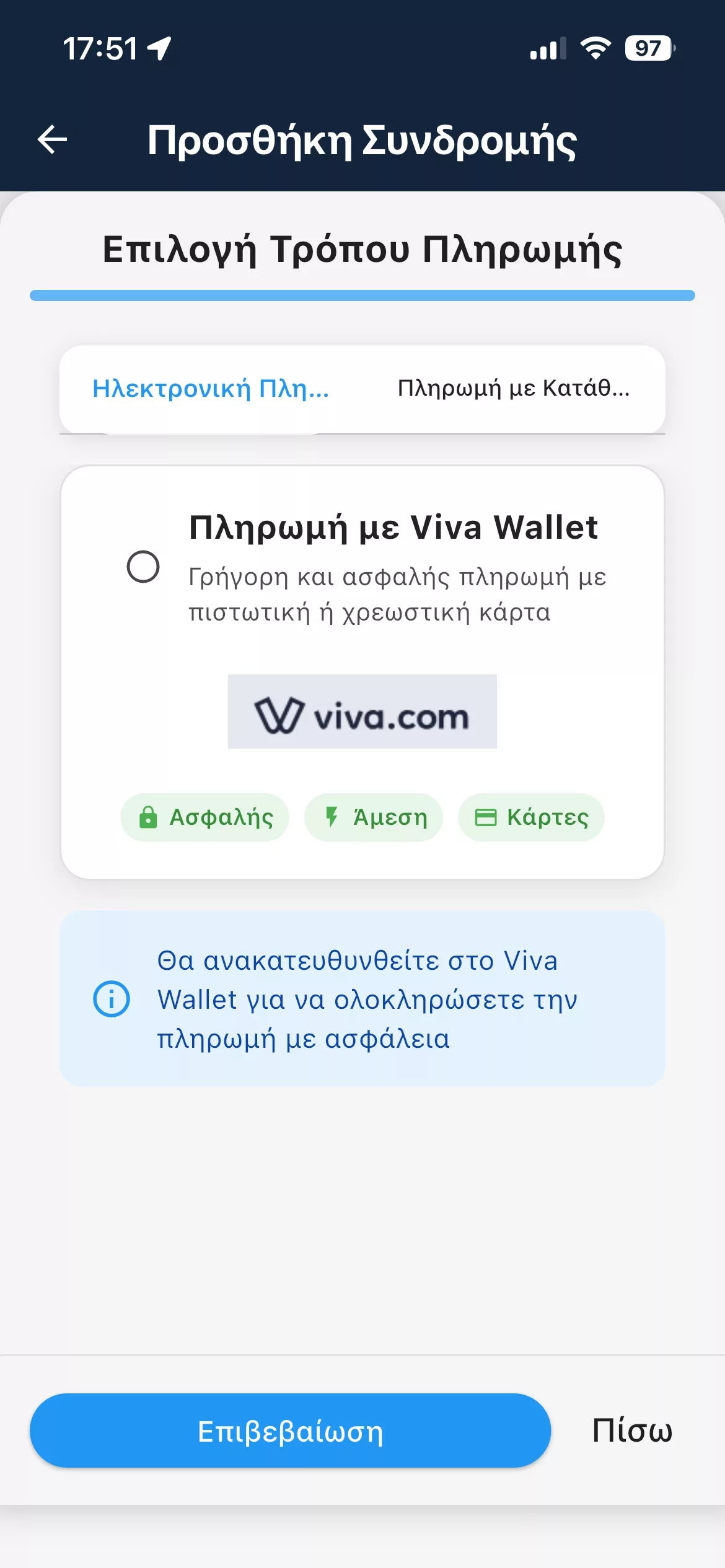
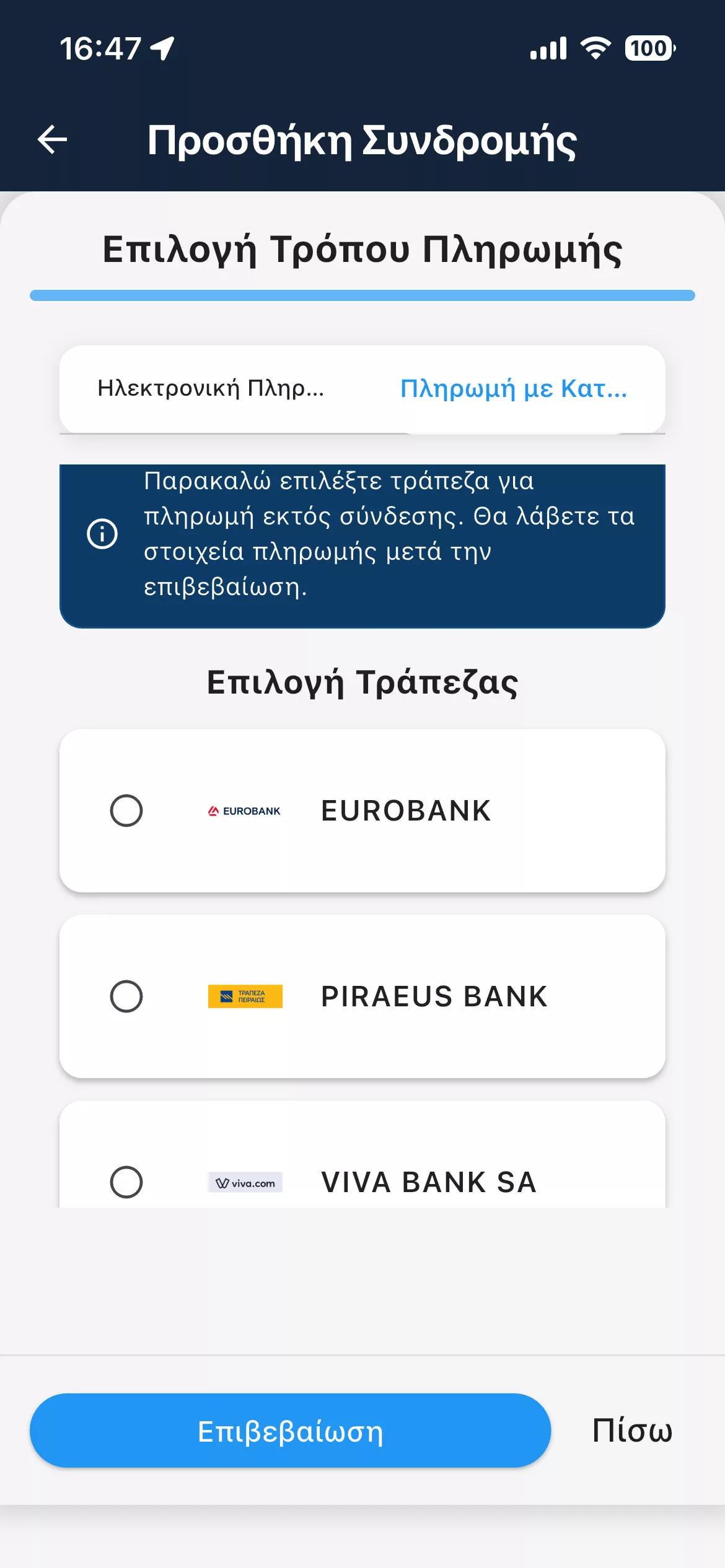
2Secure payment

You complete the payment by card.

3Your receipt

You receive a receipt or invoice according to your details.

⚡
The subscription activates at the same moment

After a successful payment, the subscription time is added automatically.

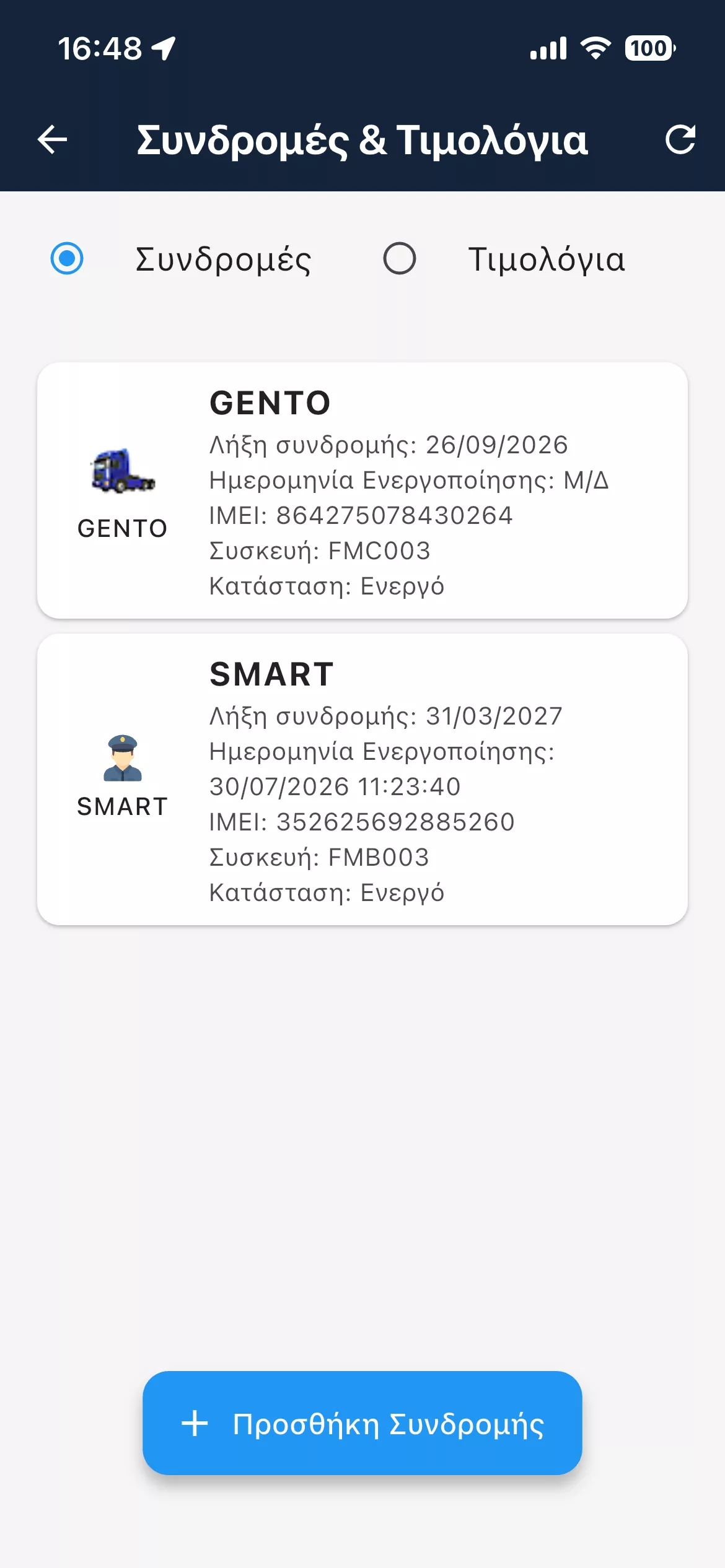
Subscription renewal in 4 simple steps

Complete the process from within the GPScom Server app.

1
You open the subscription

You select the device you want to renew.

2
You choose a package

You pick the duration that suits you.

3
Payment details

You enter your details and choose a receipt or invoice.

4
You pay and it activates

The payment is completed and the subscription is added automatically.

✓
Your legal document is issued according to the details you provided.

Updates via Viber

Optionally subscribe to the GPScom Server channel for subscription updates, platform improvements and useful tips.

Open Viber channel →
Viber QR GPScom Server

No posts found

Write a review